IP addresses
Subnets
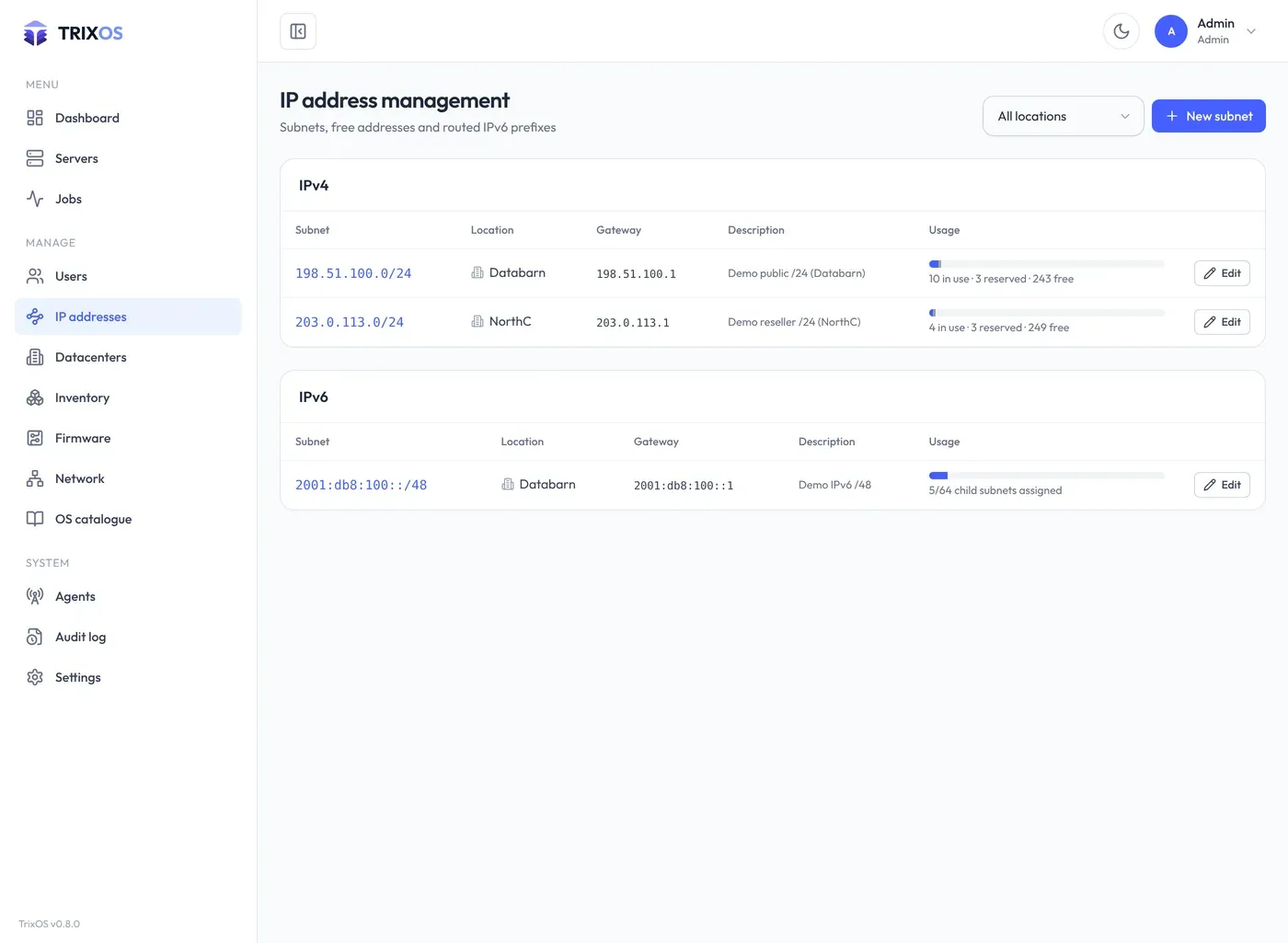
Section titled “Subnets”Subnets form a tree: a root network can be split into child subnets, and child subnets inherit settings from their parent. A subnet has a network address and prefix length, a gateway, DNS resolvers (Google’s are prefilled per IP version), an owner, a description and a location.
- IPv4: every host address exists as its own entry. The network, gateway and broadcast addresses are reserved automatically. Split divides a subnet into smaller ones and moves its addresses into them.
- IPv6: servers get routed child subnets (for example a /64 out of a /48) or single addresses.
Assigning addresses
Section titled “Assigning addresses”On a server’s IPs tab, pick a subnet and free addresses to assign. One address per IP version is the primary one, used by the installer. Removing an address from a server leaves it reserved (so it isn’t handed to the next customer right away) unless Settings → Preferences says otherwise; reserved addresses can be released in the subnet view.
The subnet view separates addresses in use by servers from reserved ones and lets you add a description per address.
Locations
Section titled “Locations”Each subnet in the list has an Edit button (the address opens the subnet; a click elsewhere on the row does nothing). Set a subnet’s datacenter with Edit; also for all child subnets moves the whole tree. New child and split subnets inherit their parent’s location. The IP address list can be filtered by location. When you assign an address, subnets are grouped by location, and a subnet from another datacenter than the server’s is refused unless an admin overrides it.
Reverse DNS
Section titled “Reverse DNS”With a PowerDNS server configured (PDNS_API_URL, PDNS_API_KEY, PDNS_SERVER_ID), PTR records can be set per
address from the panel and are pushed to PowerDNS.